Clinic admin
Runs the account.
- Can
- Invite clinicians and clients, assign roles, manage seats, and build care teams.
- Cannot
- See any client's scores, entries, or clinical records.
A practice needs someone to run the account and someone to do the clinical work, and those are not the same person with the same view. État d'Âme splits them: administrators provision people and seats without ever loading clinical data, and clinicians see only the clients assigned to them who have authorized it.
Runs the account.
Does the clinical work.
Owns the data.
The admin surface is built around people, seats and access: who belongs to the practice, what they can reach, and which clients still need a clinician. It is deliberately incapable of showing you anything else.
“Operational totals only. No client identities or clinical records are loaded here.”
Shown at the foot of the clinic dashboard
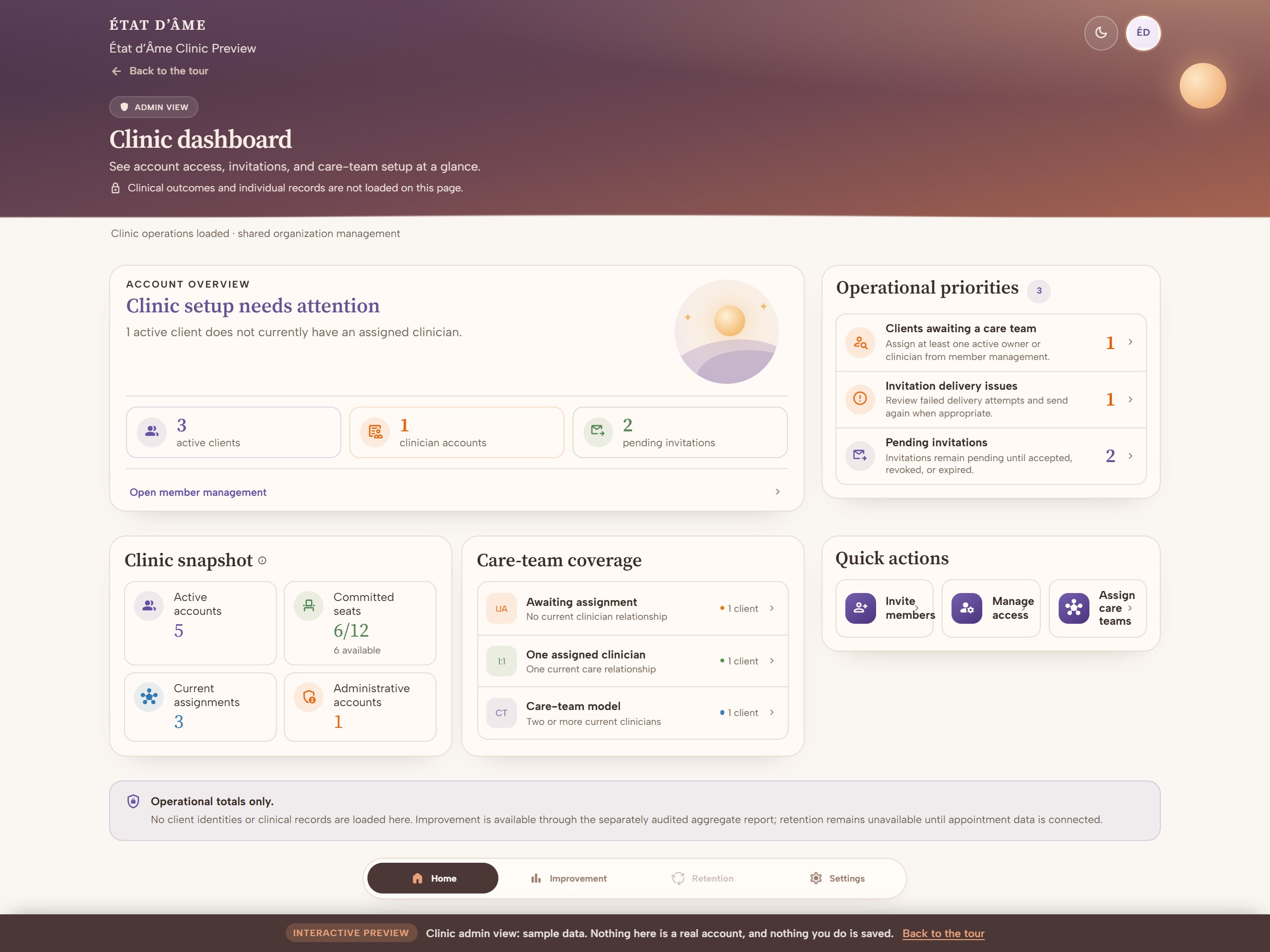
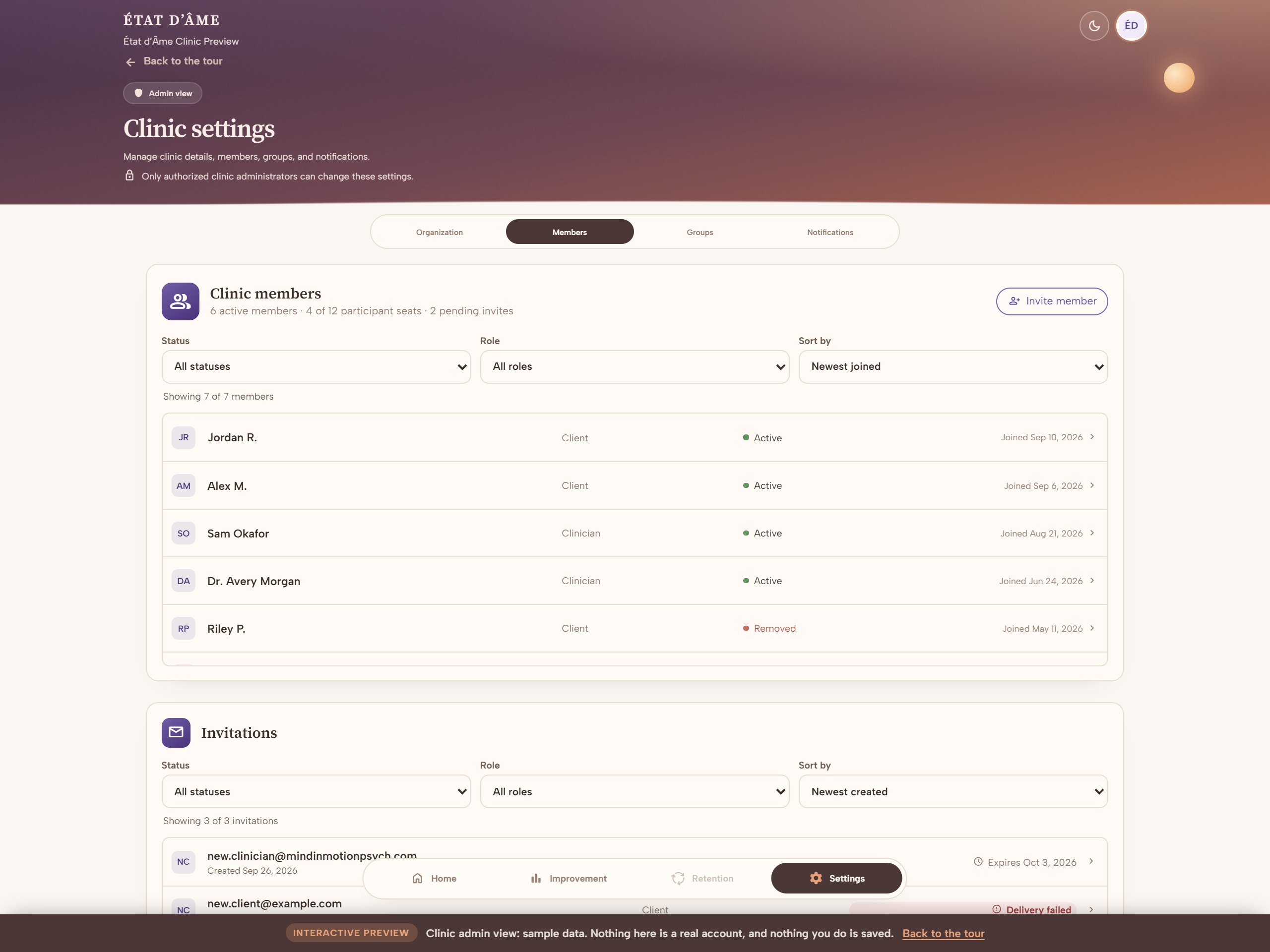
The admin surfaces: account overview, and member and invitation management.
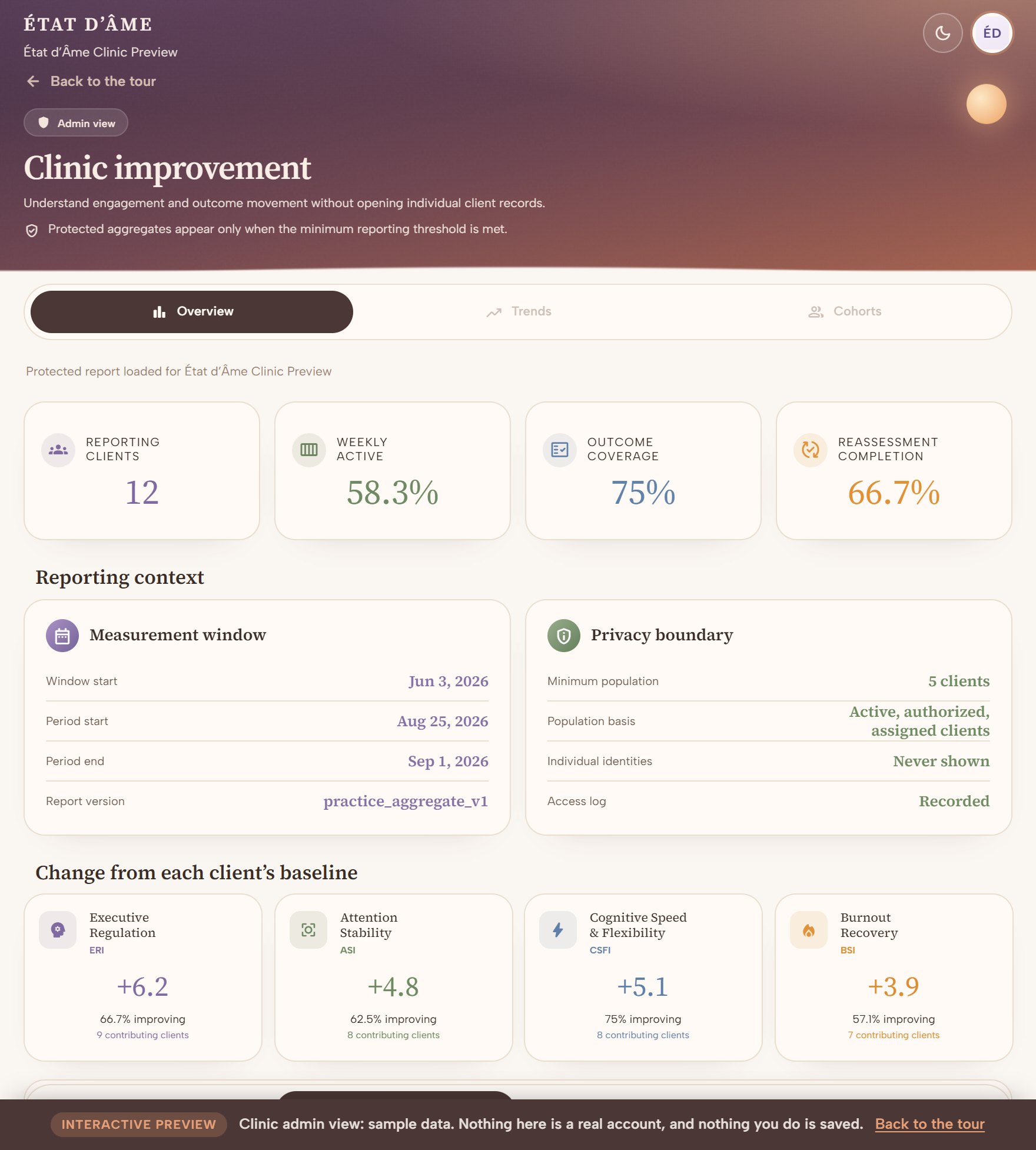
The admin view also carries a practice-wide report. Every figure on it is a total across clients who have authorized reporting and are assigned to a clinician, and a group smaller than five is held back rather than estimated. It shows how the practice is doing, and never who any of those clients are.
“Only aggregated values are displayed. Individual client identities and records are not returned to this page, and every report access is audited.”
Shown at the foot of the practice improvement report
A clinician's workspace is scoped to the people they are actually treating. Assignment alone is not enough. The client has to have authorized treatment, and until they do, the clinician sees that they are waiting and nothing more.
“Individual information is available only for clients assigned to you with active treatment authorization.”
Shown at the top of every clinician workspace
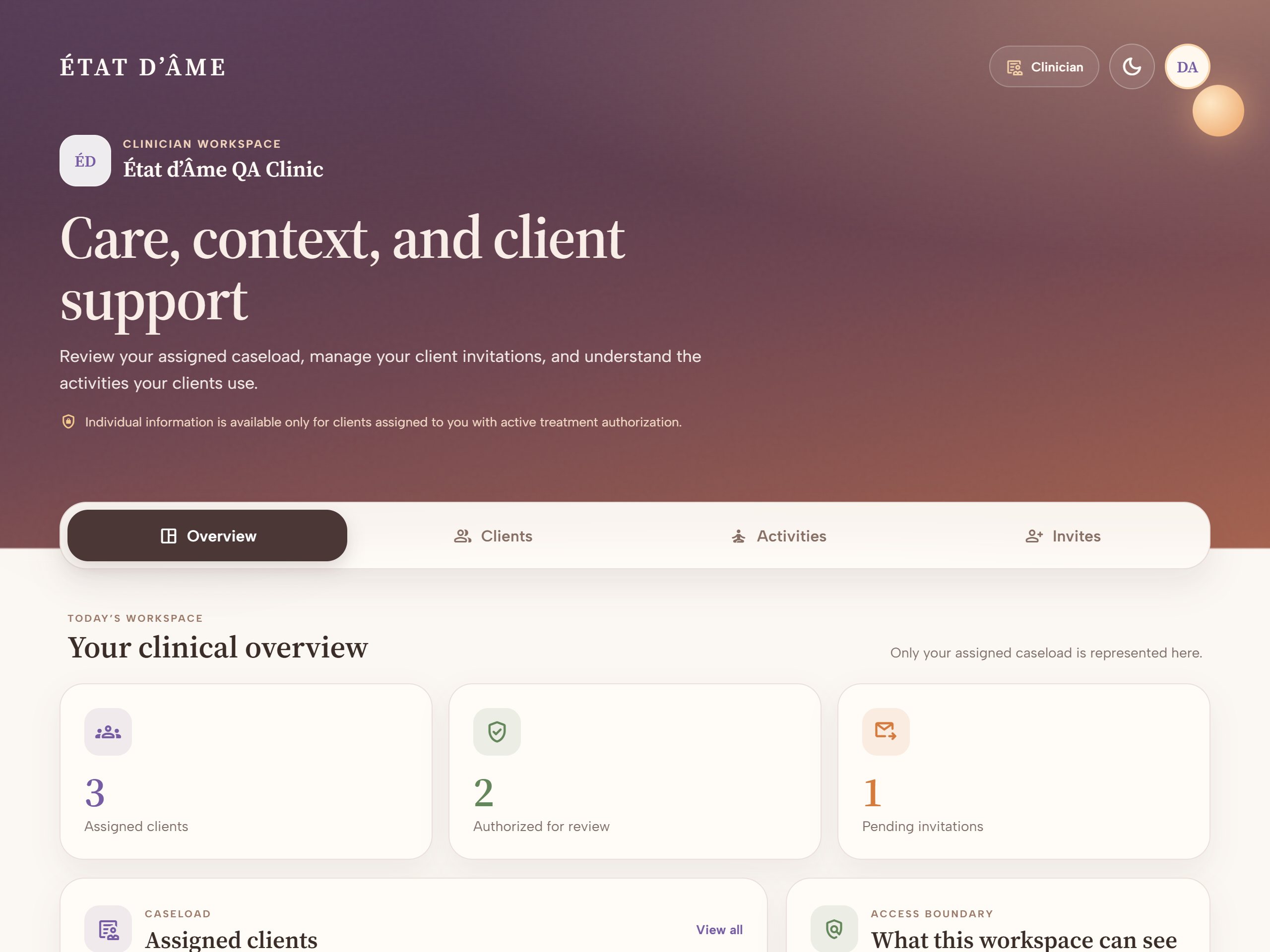
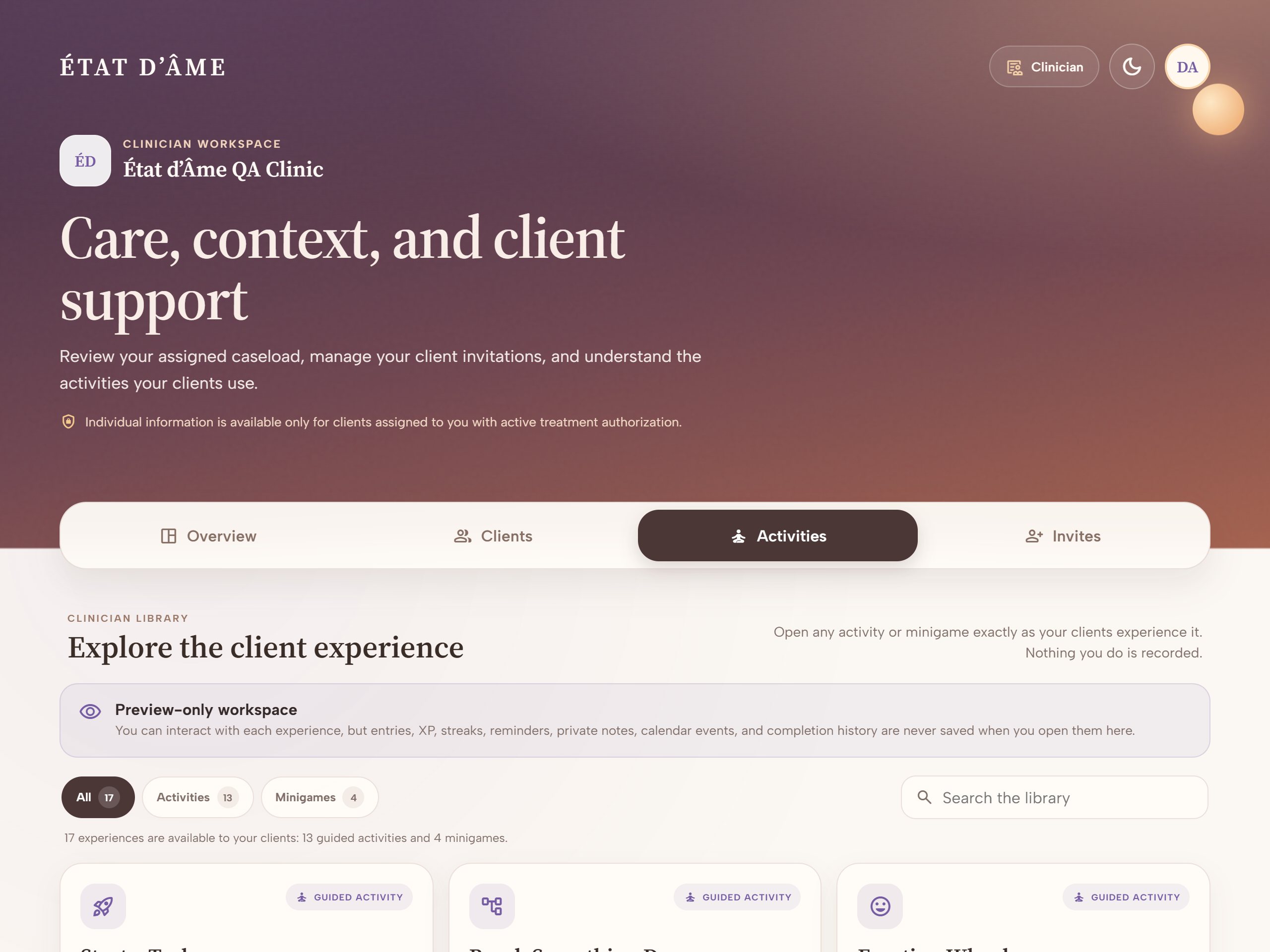
The clinician surfaces: an assigned-only overview, and the same library the clients work from.
Both previews are the real interfaces running on sample data. No account, no sign-in, and nothing you click is saved.
Open these on a laptop. The clinician and practice workspaces are built for a desktop screen. Member tables, care-team assignment and reporting all need the room. The personal app your clients use is built for both phone and desktop.
A sample practice with six members, twelve seats, pending invitations and a client still awaiting a care team. Open member management and the invitation flow.
Open the admin previewA sample caseload of three clients, two authorized and one awaiting consent, plus the invitation flow and the full activity library you can open and play.
Open the clinician previewEvery name, email address and date in these previews is invented. They read from a fixed sample built into the page rather than from any account, and every action that would normally write something stops and tells you it did not.
Tell us about your practice and we will be in touch to set it up.
Already have an account? Sign in